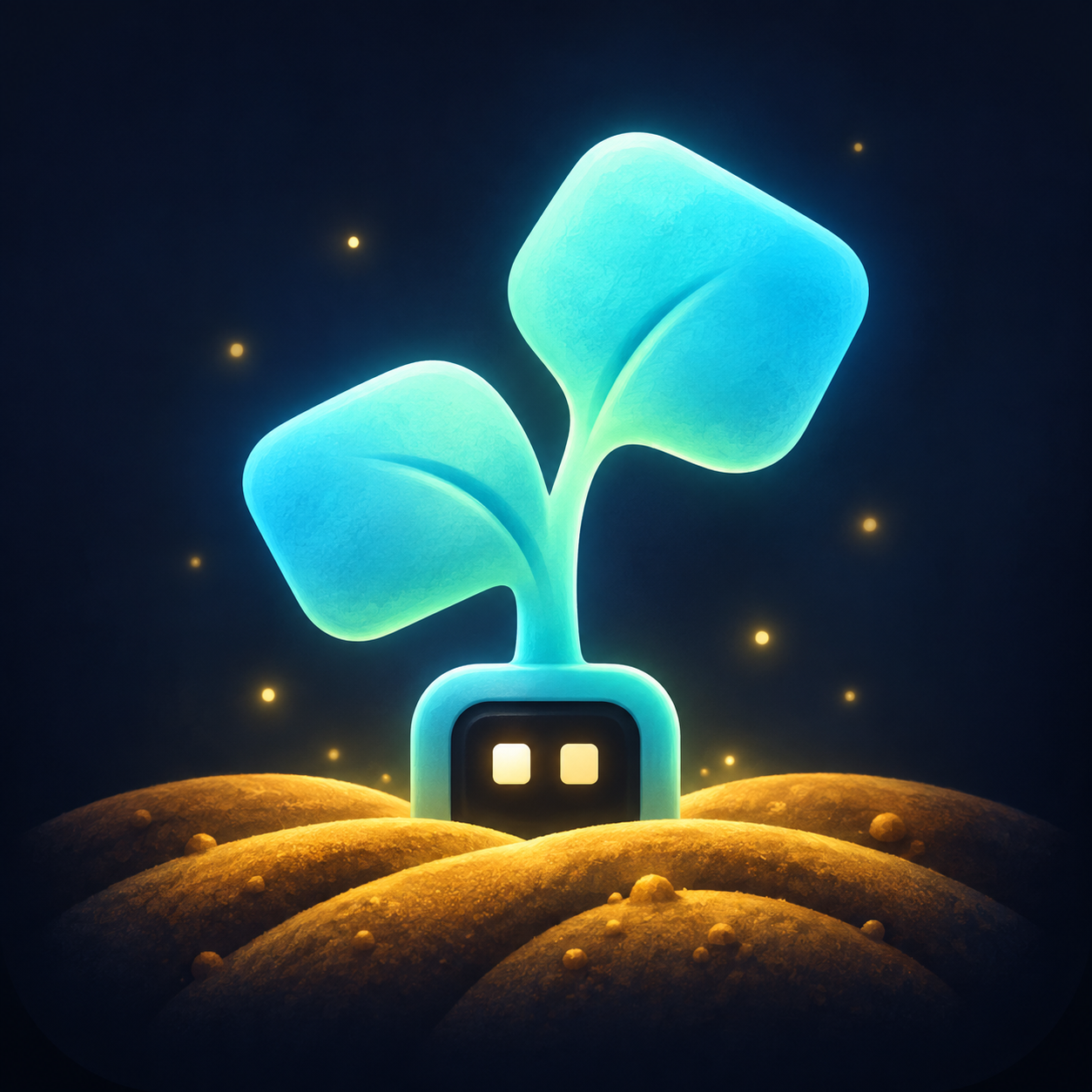
Art in the farm's hand
Describe your app's scene in one sentence and the farm draws its header and icon in the same style as every other app on the shelf.
Every app in the catalog is drawn the same way: a small farm at night, lantern light, glowing sprouts, fireflies, and your app's subject in the middle of it. That look was made by hand for the first few apps. Now you can ask for it.
You write one sentence saying what is in the picture. The farm supplies everything else and draws two images: a wide header for the top of your app page and behind your card, and a square icon on a transparent background for the card, the ledger row and the share card.
Where to find it
On Submit an app, under Look, beside the icon and header uploads. There is a field that says "Describe your app's scene in one sentence" and a Generate art button.
On your own app page, once you are signed in and verified as its maker, the same field appears under the app. Use these there takes you to the update form with the new pair already attached, because a published app's images only change through the same pull request as everything else.
Either way you get a preview of both images, Use these to keep them, and Try again if the picture is not what you meant.
What to write
One sentence, under 200 characters, naming the objects in the picture. These are the lines behind the art already on the shelf:
| App | Scene |
|---|---|
| OneLane | sprouts queuing in a line at a lantern-lit wooden gate |
| Tiiny Bench | a workbench of glowing gauges and a stopwatch under a shed lantern |
| Story Lantern | a child at a window with storybook pages flying into the night sky |
| Tiiny Brain | a corkboard of pinned cards joined by threads of light |
What makes a line work:
- Name objects, not qualities. "A corkboard of pinned cards" draws. "Fast and reliable" does not.
- One subject. Two subjects fight for the centre of the header and neither wins.
- Leave out the style. Dark, glowing, cosy and cute are already in the prompt. Asking again pushes the picture past where the rest of the shelf sits.
- Leave out your app's name. It cannot be drawn, and asking for it invites lettering.
- Think of the metaphor as a real object. A queue is sprouts in a line. A cache is a full pantry shelf. A parser is a sorting table piled with grain.
What not to expect
- No text. No app name, no tagline, no labels on the dials, no words in the books. Lettering is refused in the prompt, because an app name burned into an icon is wrong the day the app is renamed.
- No logos and no brand marks, including your own. Put those in a screenshot instead.
- No photographs and nothing that looks like a 3D render. It is a painting.
- No real people. The characters are the farm's sprout robots and soft storybook figures.
- No control over the exact picture. The same sentence twice gives two different pictures. That is what Try again is for.
- Not a screenshot. This is decoration for your card and page. What your app actually looks like belongs in the screenshots field, which the farm never generates.
The limits
- Three drawings per app per day, twelve per maker, and thirty across the farm. One drawing is the pair, header and icon together.
- One at a time per app. Pressing the button twice does not spend two tries.
- You have to be signed in and verified as a Tiiny owner, and the app ID has to be yours or unused.
- The pair takes a minute or two. Leave the tab open.
- A refusal from the drawing service, which happens when a sentence reads as something it will not draw, does not reduce the three tries shown for that app. Neither does a failure. Accepted requests still count toward the maker and farm safety caps.
Who drew what
Art the farm generated is stored under your account and written into your submission's media, the same field as an image you upload yourself. Nothing about it is published automatically: it goes into the same pull request as the rest of your app and a maintainer still decides. See the manifest reference for the media field and Publish an app for the review it goes through.
Maintainers draw art for their own apps with python3 scripts/art.py <app-id> "<scene>" in the catalog repository, which runs the identical two prompts and writes the files straight onto the shelf. The full written style, the composition rules and the palette are in docs/ART-STYLE.md.